

If you’re just stepping into the entrepreneurial world, you’ve probably heard the buzz around Artificial Intelligence (AI). But what you might not know is how AI can be a game-changer for your startup. This guide will help you understand what to look for in AI tools and why they can be invaluable for your business. We’ll also introduce you to the top 10 AI tools that can help you streamline operations, enhance customer engagement, and boost profitability.
Why Should You Consider AI Tools?
- Efficiency: AI tools can automate repetitive tasks, freeing up your time to focus on strategic decisions.
- Data-Driven Insights: AI can analyze large sets of data to provide actionable insights, helping you make informed decisions.
- Customer Experience: AI-powered chatbots and customer service tools can significantly improve customer satisfaction.
- Scalability: As your business grows, AI tools can adapt and scale with you.
What to Look for When Choosing AI Tools
- User-Friendliness: As a first-time business owner, you need a tool that’s easy to navigate.
- Support and Training: Look for tools that offer robust customer support and training resources.
- Integration Capabilities: Ensure the tool can integrate with your existing software, like CRM systems.
- Scalability: Choose a tool that can grow with your business.
- Cost-Effectiveness: As a startup, budget is crucial. Make sure the tool offers good ROI.
10. SecondBrain: Specialized Chatbots for Your Business
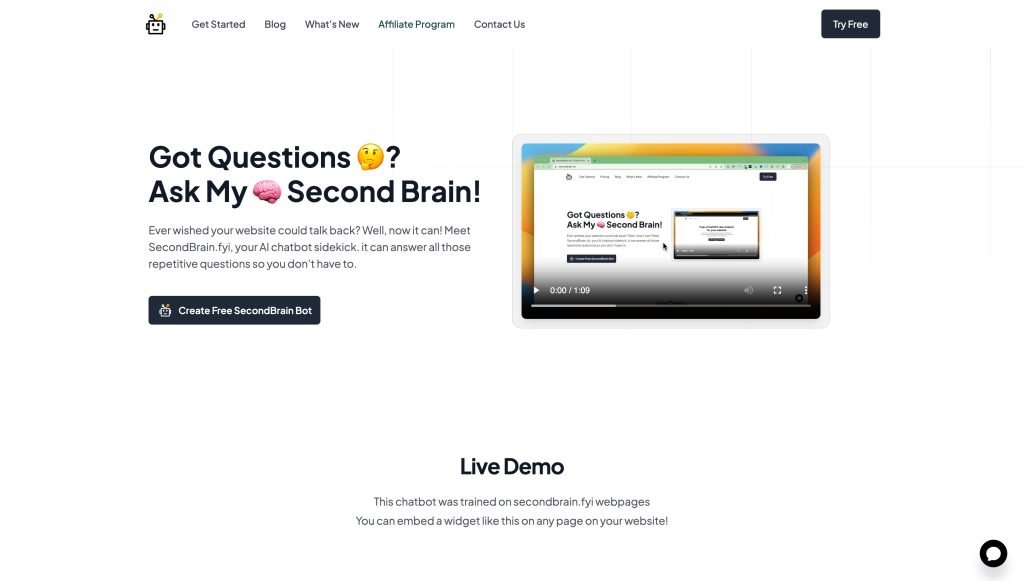
Screenshot from secondbrain.fyi
What It Does
SecondBrain allows you to create specialized chatbots for your business. It’s like having a customer service rep who never sleeps, trained specifically for your business needs.
Features You’ll Love
- Easy Training: Train your chatbot easily with data from 90+ languages.
- Quick Responses: Your chatbot can quickly and accurately respond to customer queries.
- Multiple Bots: Create more than one bot depending on your business needs.
Things to Consider
- Data-Dependent: The quality of the bot’s responses depends on the training data.
- Limited Resources: Fewer guides and resources compared to other AI tools.
Pricing
- Starter Plan: $0
- Hobby Plan: $19/month
- Power Plan: $49/month
- Pro Plan: $99/month
9. Otter.ai: Your Personal Meeting Assistant
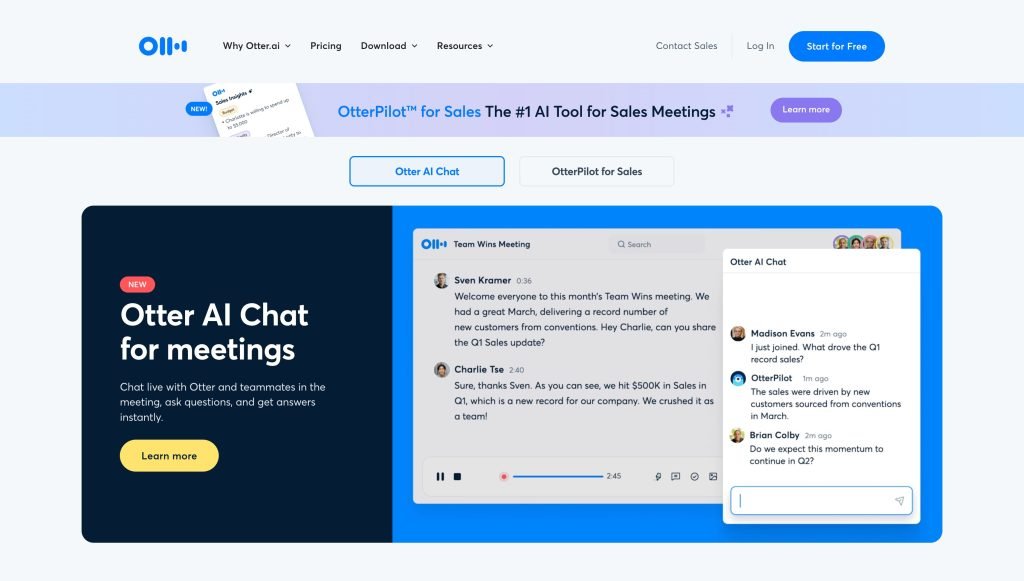
Screenshot from otter.ai
What It Does
Otter.ai is an AI transcription tool that’s like having a personal secretary for your meetings. It records and transcribes your meetings, so you can focus on the discussion rather than taking notes.
Features You’ll Love
- Synced Transcriptions: Your transcriptions are perfectly synced with the recordings.
- Speaker Labels: The tool identifies and labels different speakers in the transcript.
- Speed Control: Playback speeds can range from 0.5x to 3x, allowing you to review meetings at your own pace.
- Collaboration: Highlight, comment, and assign action items right within the transcript.
Things to Consider
- Language Limitations: Currently supports U.S. and U.K. English only.
- Manual Editing: You may need to make some adjustments to the transcript for accuracy.
Pricing
- Free Plan: $0
- Pro Plan: $16.99/month
- Business Plan: $30/user/month
8. GrammarlyGO: Your Writing, But Better
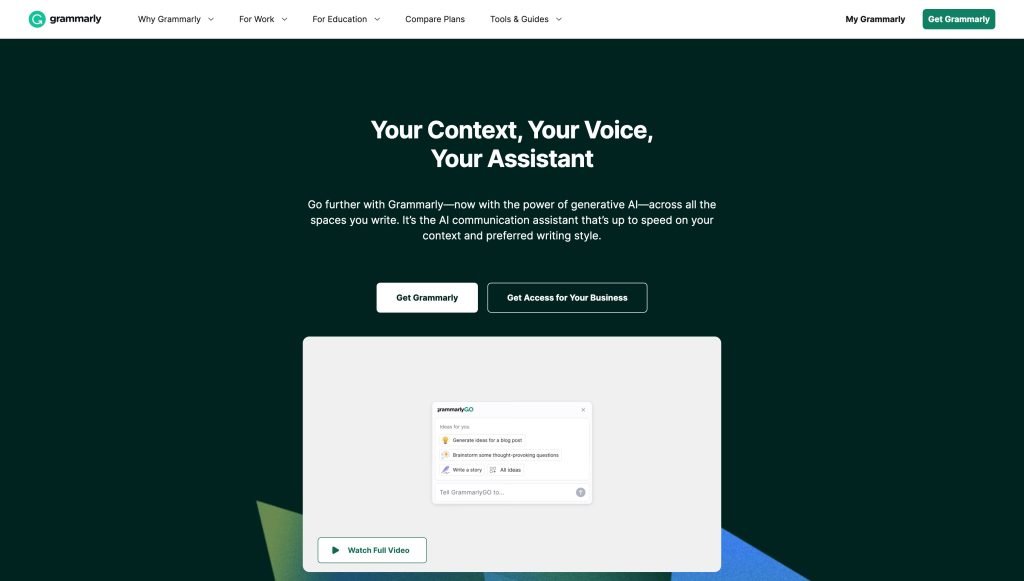
Screenshot from grammarly.com/grammarlygo
What It Does
GrammarlyGO is an AI-powered writing assistant that goes beyond just grammar checks. It helps you brainstorm, outline, and even draft your content. It’s like having an editor who also doubles as a creative partner.
Features You’ll Love
- Quick Drafting: Generate a first draft in seconds using prompts.
- Custom Voice: Tailor the tone and formality of your content.
- Plagiarism Detector: Ensures your content is original.
- Multi-Platform: Works in various desktop and browser-based apps.
Things to Consider
- English Only: Currently supports only the English language.
- Limited Prompts: You can only generate a set number of prompts per month.
Pricing
- Free Plan: $0
- Premium Plan: $12/month
- Business Plan: $15/member/month
7. Lumen5: The Video Creator for Everyone

Screenshot from lumen5.com
What It Does
Lumen5 is an AI-powered video creation tool designed for those who aren’t video editing experts. It’s like having a video production team at your fingertips, ready to turn your ideas into engaging videos.
Features You’ll Love
- Beginner-Friendly: Create videos in minutes, no experience required.
- Media Library: Access a wide selection of stock photos, music, and video clips.
- High-Quality Output: Videos can be rendered up to 1080p resolution.
- Templates: Choose from a variety of customizable video templates.
Things to Consider
- Limited Free Plan: The free plan has restrictions like watermarks and limited templates.
- Processing Time: May take longer to compile complex videos.
Pricing
- Free Plan: $0
- Basic Plan: $29/month
- Starter Plan: $79/month
- Professional Plan: $199/month
6. Tome: The Presentation Guru
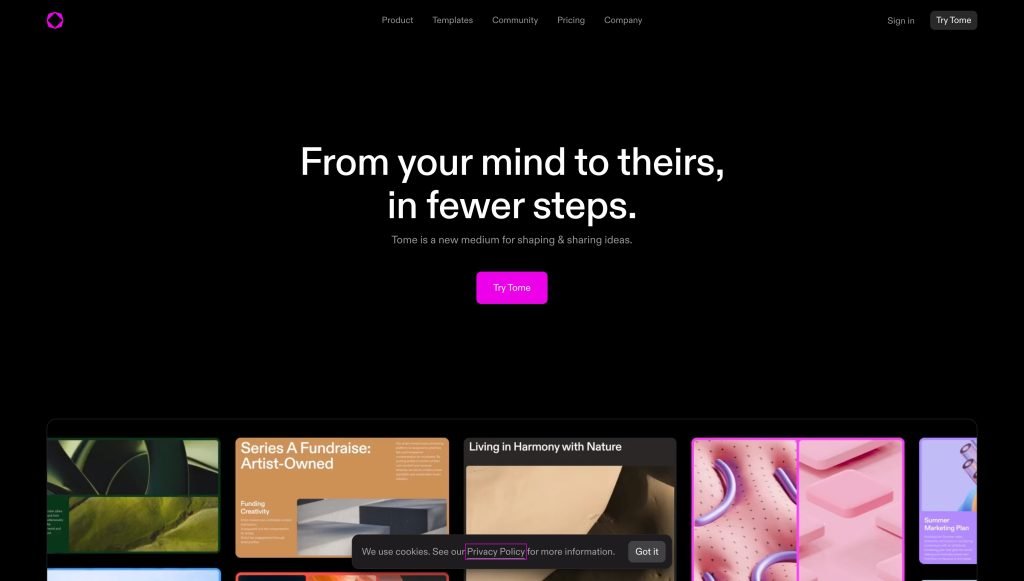
Screenshot from tome.app
What It Does
Tome is your go-to for creating compelling slide decks. With just a text prompt, it can generate outlines, stories, and full presentations.
Features You’ll Love
- Quick Creation: Generate presentations or specific slides with natural language prompts.
- Document Conversion: Turn uploaded documents into presentations.
- Integration: Works with DALL·E 2 for unique AI images.
- Collaboration: Sharing and commenting features for team collaboration.
Things to Consider
- Limited Media: No libraries for stock photos, sounds, and videos.
- Advanced Features: Lacks options for custom tables, graphs, and transitions.
Pricing
- Free Plan: $0
- Pro Plan: $10/month
5. Jasper.ai: Your Personal Copywriter
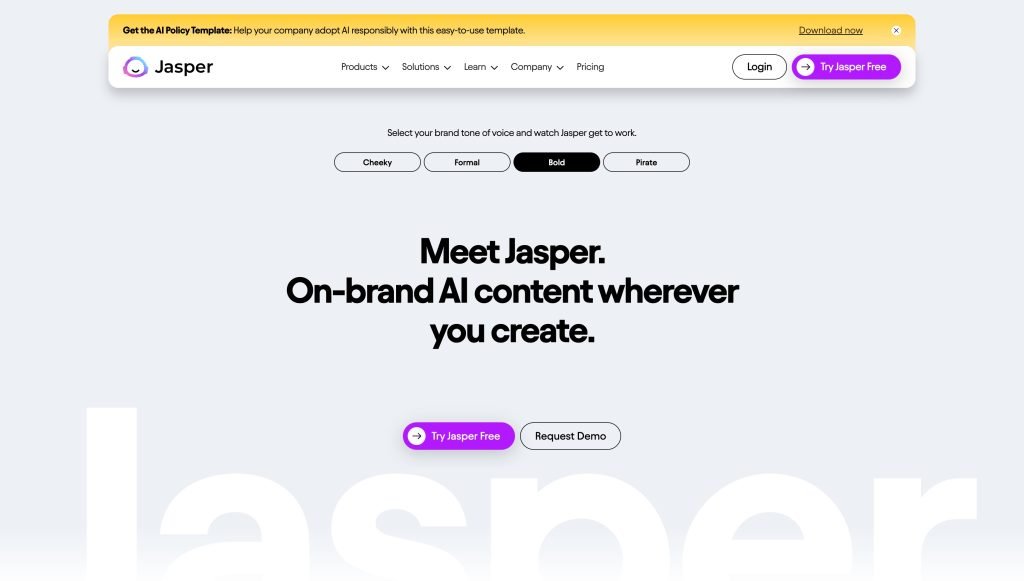
Screenshot from Jasper.ai
What It Does
Jasper.ai is an AI-powered writing assistant that helps you overcome writer’s block and produce content at lightning speed. Whether you need blog posts, product descriptions, or social media captions, Jasper has you covered.
Features You’ll Love
- Unique Content: Nearly 100% plagiarism-free content generation.
- Multilingual: Supports content generation in 30+ languages.
- Templates: Over 50 templates to speed up your writing process.
- Collaboration: Built-in tools for team collaboration.
- SEO Integration: Works with Grammarly, Copyscape, and SurferSEO for optimized content.
Things to Consider
- Learning Curve: Takes time to fully utilize all features.
- Accuracy: May sometimes produce inaccurate facts.
Pricing
- 7-Day Trial: On paid plans
- Creator Plan: $49/month
- Teams Plan: $125/month
4. Bricabrac: The Developer You Didn’t Know You Needed
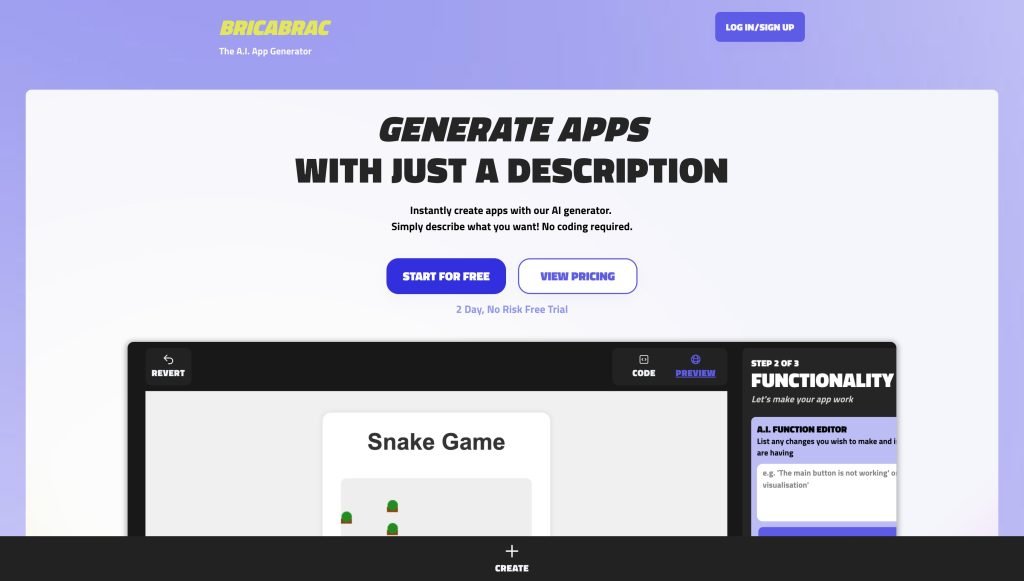
Screenshot from bricabrac.ai
What It Does
Bricabrac is a low-code/no-code platform that allows you to turn your innovative app ideas into fully functional web applications without the need for extensive coding skills.
Features You’ll Love
- Cost-Effective: Save money on hiring professional developers.
- Quick Builds: Create functional applications in minutes.
- Drag-and-Drop Editor: Customize the tool to suit your needs.
- Export Options: Export your app in HTML, CSS, and Javascript formats.
- Free Hosting: Host your web app for free.
Things to Consider
- Limited Customization: Not suitable for very complex apps.
- Advanced Features: May require some programming expertise for more advanced functionalities.
Pricing
- 2-Day Free Trial: No free plan available
- Power Plan: $68/month
3. DALL·E 2: The Artist in Your Pocket
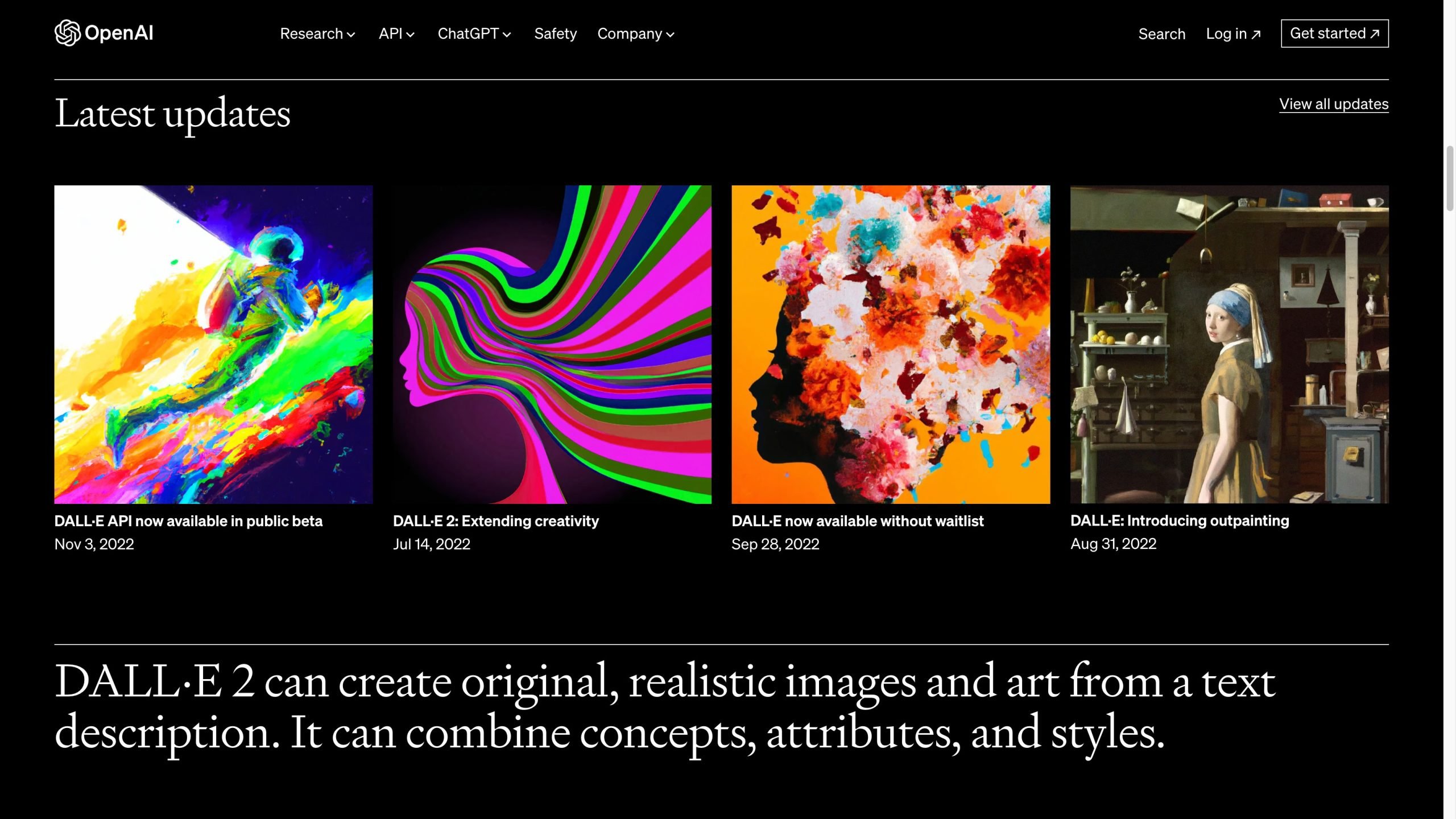
Screenshot from openai.com/dall-e-2
What It Does
DALL·E 2 is your in-house graphic designer. It generates high-quality images based on text prompts, making it perfect for creating visuals for your marketing campaigns, social media, or website.
Features You’ll Love
- Intuitive Interface: Easy to use, even for those with no graphic design experience.
- Quick Generation: Produces multiple unique image variations in seconds.
- Native Editing: Allows you to tweak elements in generated images.
- Outpainting Feature: Expand images beyond their original canvas for more creative freedom.
Things to Consider
- Complexity: Takes longer to generate more complex images.
- Limitations: Struggles with generating images containing text, human faces, or specific numbers.
Pricing
- Credits: $15 for every 115 credits (1 credit = 1 text prompt with 4 image variations)
2. ClickUp: Your All-in-One Project Management Tool
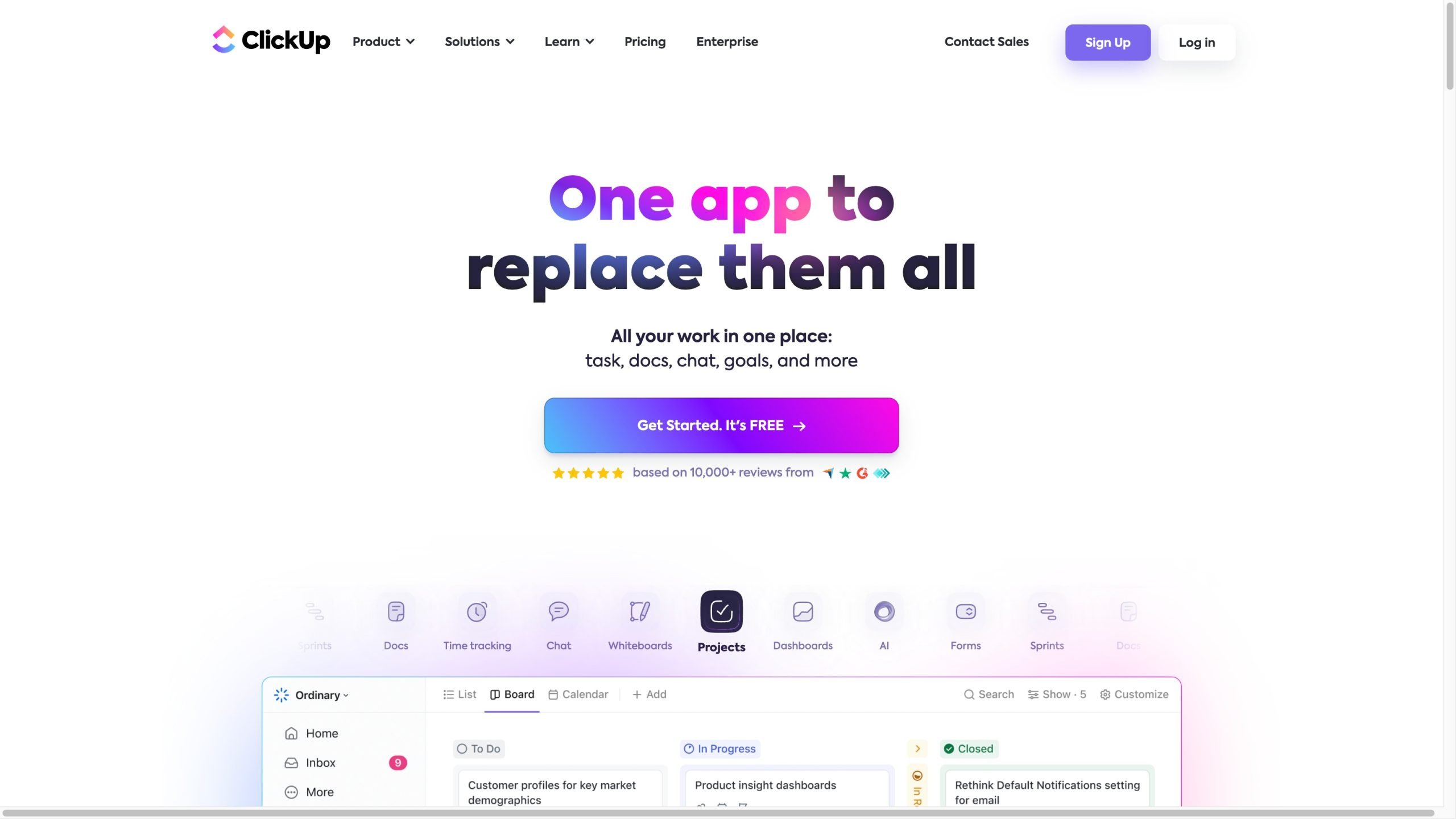
Screenshot from Clickup.com
What It Does
ClickUp is like your digital office space. It’s a one-stop-shop for managing tasks, collaborating with your team, and even writing emails or marketing copy. It’s cloud-based, meaning you can access it from anywhere.
Features You’ll Love
- Anywhere Access: Use it on your computer, phone, or tablet. It’s available on the web, as a desktop app, and even as a mobile app.
- Role-Specific Tools: Over 100 AI tools tailored for different roles in your startup, like marketing or development.
- Quick Content Creation: Use the “/Write With AI” command to brainstorm, outline, and draft your first copy.
- Easy Text Editing: Edit or tweak your text right from the toolbar.
- Summarize in a Click: Got a long document? ClickUp can summarize it for you.
- Turn Text into Tasks: Convert big paragraphs into a to-do list.
- Visual Brainstorming: Use ClickUp’s Mind Maps and Whiteboards to visualize your ideas.
- Automate the Mundane: Set up automations for repetitive tasks.
- Template Library: Kickstart your projects with a range of templates.
- Team Overview: See what everyone in your team is working on.
- Integrate Your Tools: Connect ClickUp with other software like Slack or Zoom.
Things to Consider
- Learning Curve: It might take some time to get used to it.
- Not Free for AI: AI features are only available in paid plans.
- Workspace-Wide Purchase: You’ll have to buy AI features for everyone in your workspace.
Pricing
- Free Plan: $0
- Unlimited Plan: $7 per user/month
- Business Plan: $12 per user/month
1. ChatGPT: Your Virtual Research and Content Assistant
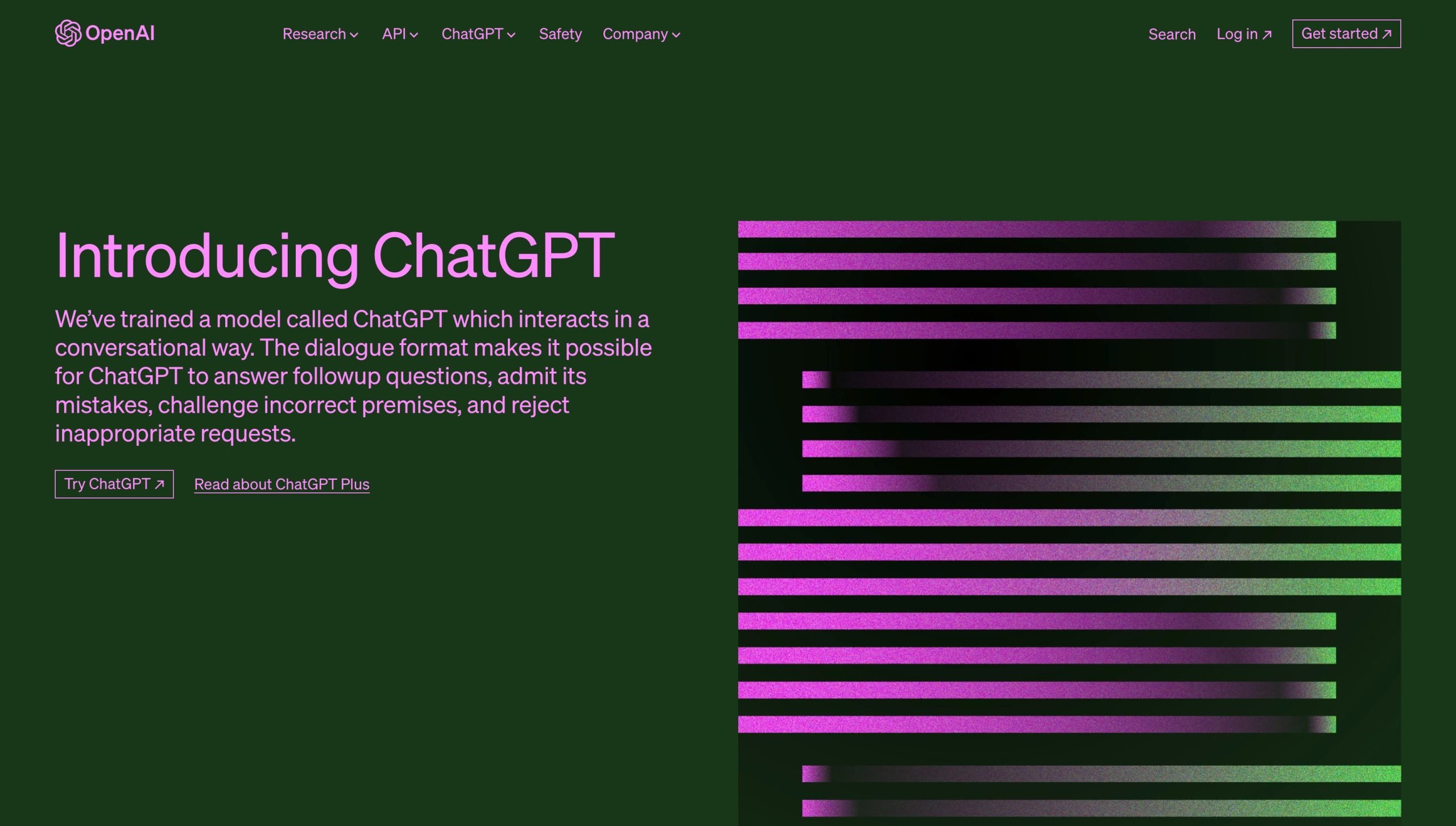
Screenshot from chat.openai.com
What It Does
ChatGPT is not just another customer service bot; it’s a powerful AI assistant that can engage in meaningful two-way conversations. It can help you with a variety of tasks, from answering complex questions to assisting with research and even generating code samples. It’s like having an extra team member who’s always available to help.
Features You’ll Love
- User-Friendly Interface: Its clean and minimalist design makes it easy to navigate and use.
- Smart Conversations: Thanks to natural language processing, it can maintain the context of a conversation, making interactions feel natural.
- Multilingual Support: Whether you speak English, French, or Japanese, ChatGPT has you covered with support for over 50 languages.
- Knowledge-Driven: It has a broad knowledge base that spans multiple industries, making it a versatile tool for any startup.
Things to Consider
- Accuracy: While generally reliable, it can sometimes provide inaccurate or generic responses.
- Performance: The free version may experience slowdowns or crashes, especially when handling long responses.
- User Influence: Be cautious as feeding it incorrect information can affect its future responses.
Pricing
- Free Plan: $0
- Plus Plan: $20/month
For first-time business owners and entrepreneurs, the right AI tools can make a world of difference. They can automate tasks, provide valuable insights, and help you scale your business. So, take the plunge and integrate these AI tools into your startup toolkit. Your future self will thank you.


