Data security is essential for any company but it takes on more urgency when the teams are working remotely. There are far more vulnerabilities when employees are scattered around different locations. This is why security needs to be done differently so there is less of a chance of a data breach.
Whether you’re managing sensitive client information or dealing with confidential corporate data, it’s essential to take proactive steps to protect your work and maintain data security. In this article, We’ll go over several strategies to maintain security when working remotely.
1. Using a Remote Desktop
One option to enhance data security while working remotely is by using a remote desktop connection. This allows you to access your office computer or a secure server through an encrypted connection. By connecting remotely, you can continue working on files and applications located on that device without actually storing them locally on your personal computer.
There are fewer vulnerabilities exposed when you have everybody connecting off of the same server. This way, when you have a remote desktop license, there is no way for a hacker to break into the computer you are using. The computer you are actually using is still in the office connected to a dedicated server.
2. Using Cloud Storage
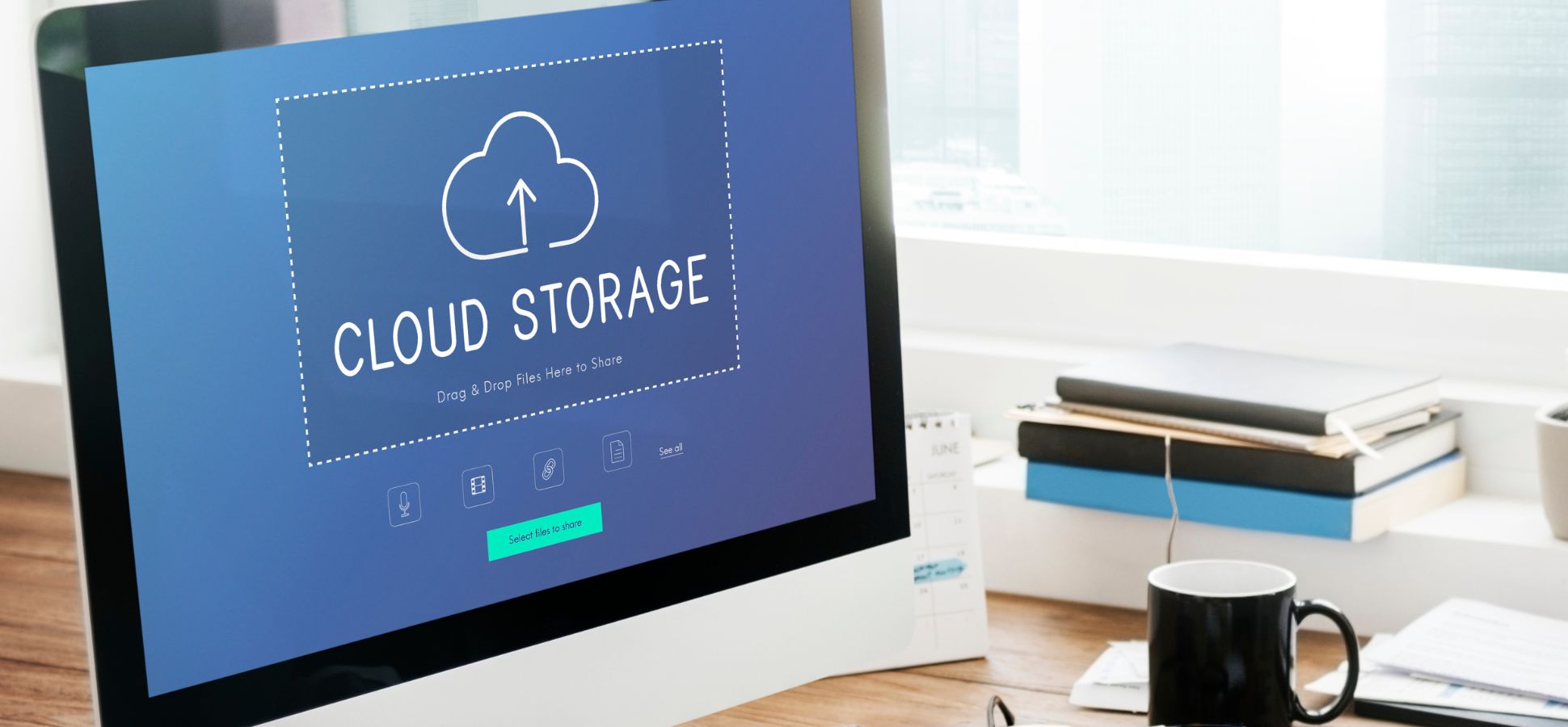
Another effective way to maintain data security is by utilizing cloud storage services. These platforms allow you to store and sync files across multiple devices. This gives you an added level of security since you can use multiple devices but still have a single point of access to the data.
When selecting a cloud storage provider, make sure it has robust encryption protocols. Look for services that use end-to-end encryption (E2EE) to ensure your files remain encrypted during transmission. This means that even if there was a breach at the provider’s end, your stored data would be unreadable without the decryption keys.
You should also enable two-factor authentication for accessing your cloud storage account. This adds an additional layer of verification when logging in from new devices or locations and is very easy to set up even if you aren’t very tech savvy.
3. Perform regular software and system updates
A crucial aspect of maintaining data security as a remote worker is ensuring that all software on your devices is kept up to date. This includes not only the operating system but also applications and antivirus programs.
What happens when the software is not kept up to date is that hackers can find a bug or vulnerability to exploit and make their way into the system. When you update regularly, these bugs will be fixed so they can’t be used against you.
Most operating systems offer automatic update settings, which you should enable to ensure you receive the latest security patches automatically. If automatic updates are not available on a specific device or application, make it a habit to regularly check for updates manually.
If you don’t have things set to automatically update, make sure to do it manually as soon as there is one available.