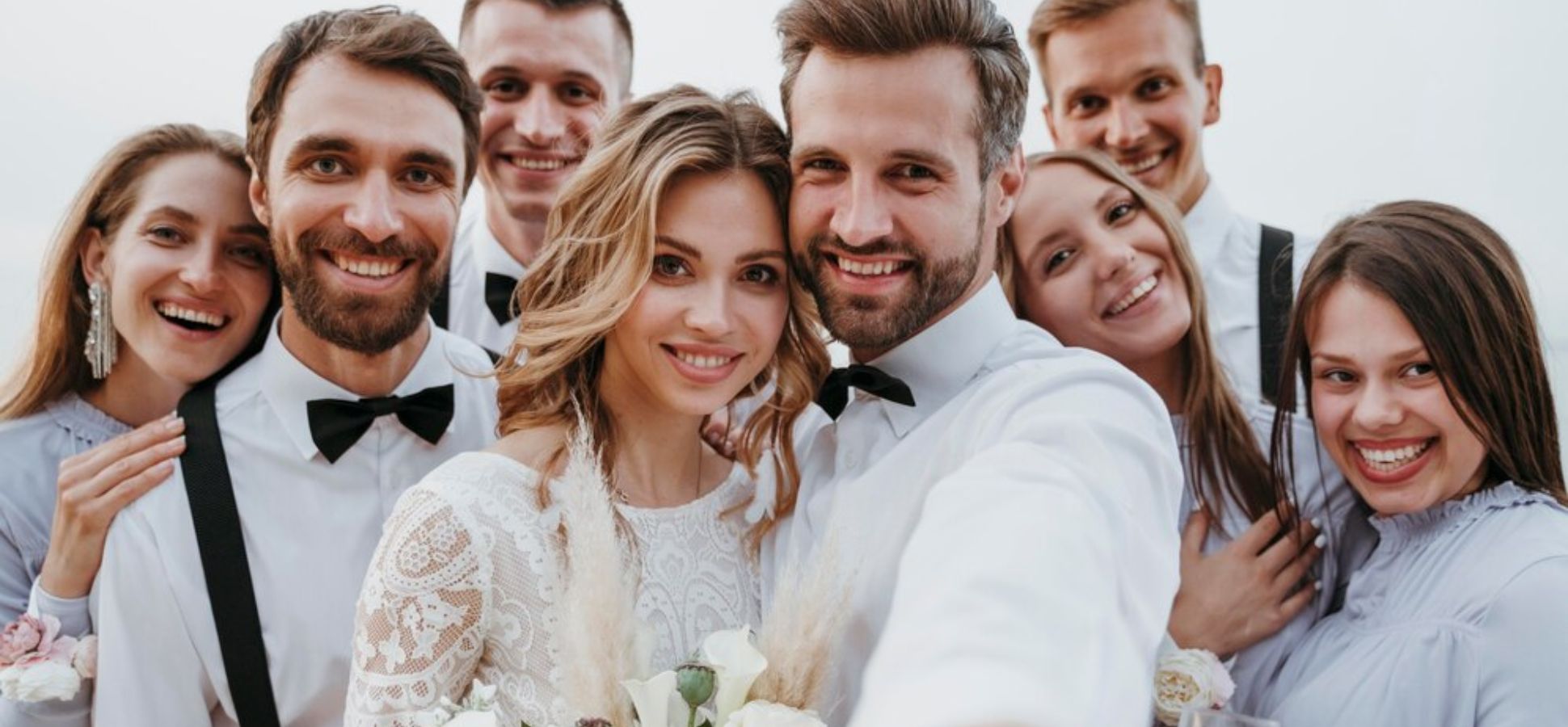
Weddings are a whirlwind of emotion, celebration, and carefully planned details. The day moves fast—blink and you’ll miss it. While hiring a professional photographer is a must for capturing the big moments, even the best can’t be everywhere at once. What about those spontaneous laughs, teary hugs, or the flower girl sneaking an extra cupcake? These candid moments are what make the day uniquely yours.
That’s where GuestCam comes in. It’s a simple, effective way to collect the many perspectives your guests capture throughout the day—without the hassle of chasing down texts, social media posts, or email attachments later. By giving guests an easy way to contribute their photos, you create a fuller, richer picture of your wedding story. It’s not about replacing your photographer—it’s about filling in the gaps with joyful, unscripted memories you might have missed.
The Problem with Traditional Wedding Photos
Traditional wedding photography is fantastic, but it’s only one perspective. Your photographer, however talented, is still just one person (or two). They focus on the essential shots: the first kiss, the processional, family portraits, and the cake cutting. Crucial moments, definitely. But…
They can’t be in multiple places simultaneously. Can they capture the dance floor shenanigans, the cocktail hour mingling, and your friends reminiscing at the bar? It’s impossible! You’ll inevitably miss the fun, the silliness, and the heartfelt moments that truly define your wedding day. These are the memories you’ll cherish and laugh about for years to come.
Then, there’s the social media void. Guests are snapping photos and videos on their phones, but those precious memories are scattered across disappearing Instagram stories, buried in Facebook posts, and lost in random text messages. Gathering all those images and videos after the big day can be a frustrating, messy ordeal. Sarah, a friend who got married last year, can relate. “We loved the candid shots,” she said, “but tracking them down was a total nightmare! Wish we’d known about QR codes then.”
What Is Crowdsourcing Your Wedding Album?
Crowdsourcing isn’t just for funding startups. In the wedding world, it means leveraging your guests’ photos, videos, and digital treasures to create a shared album. It’s about getting more perspectives, capturing authentic moments, and gaining immediate access to memories. Think of it as assembling a jigsaw puzzle. Your photographer provides the big, professional pieces, while your guests fill in the gaps with their candid, joyful snapshots. That spontaneous charm? That’s your friends and family and their ever-present cell phone cameras. It’s a trend that’s been gaining momentum, especially since the rise of smaller, more DIY weddings with a collaborative vibe.
Did You Know?
There are many photo sharing apps like Guestlense, Guestpix, Kululu, and Waldo Photos that make it easy for guests to upload their photos from your wedding.
How a Single QR Code Simplifies Everything
So, crowdsourcing is great, but how do you make it happen without chaos? Enter the QR code. It’s the modern solution that cuts through the clutter and makes it effortless for everyone. QR codes are easy to use, contactless, and instantaneous. Guests simply open their phone’s camera, point it at the code, and they’re directed to upload their photos.
Those images land in one convenient location, whether it’s a Google Drive folder, a Dropbox account, or a wedding-specific photo app’s cloud storage. The beauty of QR codes is their inclusivity. Not everyone wants to download another app. The QR code bypasses that step, allowing guests to upload directly from their mobile browser.
It’s also safer than a free-for-all on social media. Photos stay private, curated, and retain their original quality. No more memories that look like they were filmed on a potato!
Setting Up Your Wedding Photo QR Code: A Step-by-Step Guide
Let’s dive into the practical steps for setting up your wedding photo QR code.
1. Choose Your Platform
You have several options. Google Photos is free (up to a certain storage limit) and widely familiar. Dropbox works well if you’re already using it. Wedding-specific apps like Guestlense, Guestpix, Kululu, or Eversnap offer features like live slideshows, guest galleries, and print options.
– Google Photos: Free (limited storage), familiar interface. Downside: Not designed specifically for weddings, lacking advanced features.
– Dropbox: General file sharing, suitable for larger files.
– Guestlense, Guestpix, Kululu, Eversnap, etc.: Tailored for weddings, offering features like live slideshows and print options. Some may require guests to download an app (though website options are often available). Prices vary.
2. Create a Shared Album or Upload Spot
Select your platform and create a dedicated shared album or upload location. This is where the magic happens! Grant guests upload permissions while preventing accidental deletions. Consider how to organize your photos. Separate folders for the ceremony, cocktail hour, reception, and late-night karaoke? Planning folder names in advance (“Ceremony_Photos,” “CocktailHour_Photos,” etc.) will save you a headache later.
3. Generate a QR Code
Head to a free QR code generator like QRCode Monkey, Canva, or Bit.ly. Some photo apps offer built-in QR code generation. Paste the link to your album into the generator, and download the code as a high-resolution image (JPG or PNG).
Tips:
- Test It! Scan the code with your phone to ensure it works correctly.
- Mobile-Friendly: Verify that the upload page is optimized for mobile devices.
4. Display and Distribute the QR Code
Print the QR code on signs and strategically place them throughout the venue: at the entrance, on tables, at the bar, and at the photo booth (if you have one). You can also use tools to design QR codes that match your branding and event theme. Include it on your wedding website for easy access. You can even add it to your thank-you cards as a reminder. Consider displaying the QR code on digital signage if your venue has screens.
5. Set Guidelines for Uploads
Provide some clear guidelines for your guests. Specify when to upload photos (e.g., at the end of the night or during quieter moments). Indicate whether you want photos only or videos as well. Will there be a password? Any special instructions? A playful suggestion like, “Please only upload photos of the bride looking fabulous!” is perfectly acceptable.
Tips for Encouraging Participation
You have a QR code and a shared album. Now, how do you get people to use them?
– Mention it! Have your MC or DJ announce the QR code and encourage guests to upload their photos.
– Physical Signage: Place signs on each table as a visual reminder.
– Gamify it! Offer a prize for the “most memorable photo” (e.g., a coffee shop gift card or a bottle of wine).
Encourage guests to upload their photos on the spot, rather than postponing it until “later.” “Later” often doesn’t happen.
Pros, Cons, and Considerations
Using a QR code for crowdsourcing your wedding album has both advantages and disadvantages.
Pros:
– More Photos, More Perspectives: Capture shots your photographer might have missed.
– Quick Access: Relive your wedding memories sooner.
– Cost-Effective: Only the cost of printing the QR code.
Cons/Considerations:
– Variable Image Quality: Not everyone has the latest smartphone. Expect some blurry photos.
– WiFi/Cell Coverage: Spotty service can hinder uploads.
– Guest Participation: Actively encourage uploads!
– Photo Sorting: Be prepared to sort through duplicates and blurry shots.
Enlist a tech-savvy friend to assist with managing the process. They can answer questions, remind guests to upload photos, and help with sorting.
Conclusion
Crowdsourcing your wedding album with a QR code isn’t just a trend; it’s a way to truly capture your special day. It enables you to create a wedding album that’s rich, diverse, and emotionally resonant, showcasing the love, laughter, and unexpected moments that even the best photographer can’t capture alone. It’s a simple, high-reward solution for creating lasting memories.
If you’ve used a QR code to crowdsource photos at your wedding, I would love to hear about it in the comments!